CDN Monitoring: Ensuring Reliable Global Content Delivery
CDN failures affect specific regions silently. Learn how to monitor your CDN for cache misses, edge server failures, and configuration issues that impact global performance.
UptimeMonitorX Team
Published March 4, 2026
CDN Monitoring: Ensuring Reliable Global Content Delivery
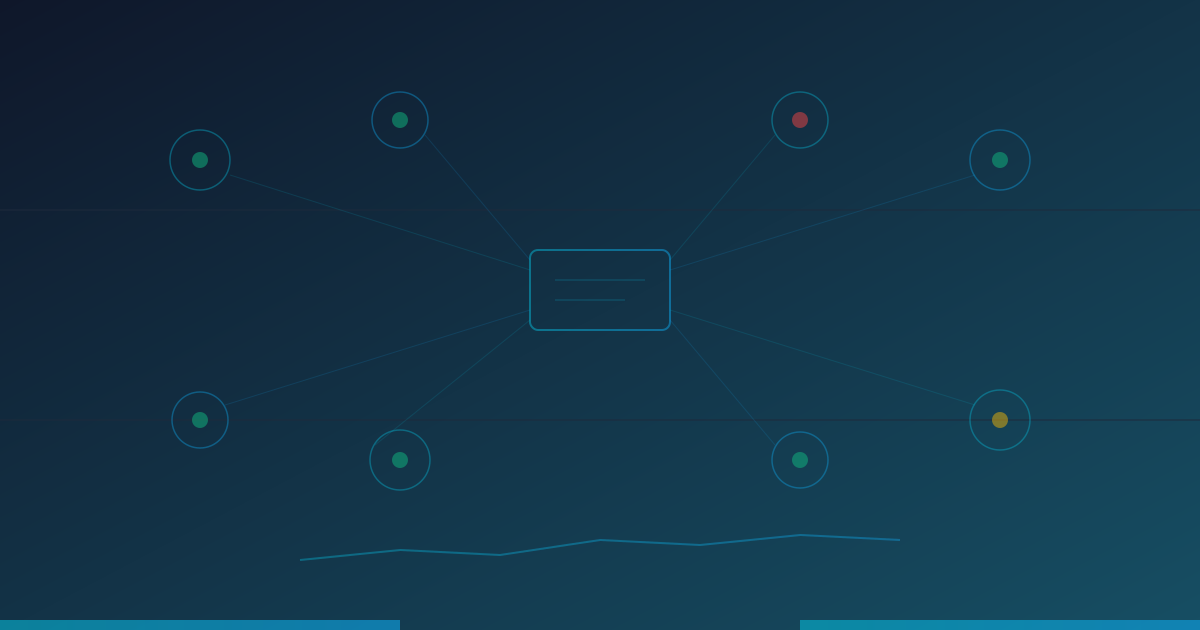
Content Delivery Networks accelerate your website by serving content from edge servers close to your users. When a CDN works correctly, users worldwide experience fast load times regardless of where your origin server is located. When it fails, the impact is often regional and silent - your monitoring in Virginia shows everything is fine while users in Tokyo are seeing timeouts.
How CDNs Work
A CDN operates by caching copies of your content (HTML, CSS, JavaScript, images, videos) on servers distributed across dozens of data centers worldwide, called Points of Presence (PoPs) or edge nodes:
- A user in Tokyo requests your website.
- Instead of traveling to your origin server in Virginia, the request is routed to the nearest CDN edge server in Tokyo.
- If the edge server has a cached copy of the requested content, it serves it immediately (a cache hit).
- If not (a cache miss), the edge server fetches the content from your origin, caches it, and serves it to the user.
This dramatically reduces latency for users far from your origin server and reduces the load on your origin server.
Why CDN Monitoring Matters
CDN failures are uniquely problematic because they are often partial and regional:
- A single edge node might go down, affecting only users routed to that node.
- Cache invalidation might fail in some regions, serving stale content.
- SSL certificate deployment might not reach all edge nodes simultaneously.
- Origin shield or failover configurations might be misconfigured.
- Geo-restriction rules might accidentally block legitimate traffic.
Without multi-region monitoring, these issues can persist for hours or days before being detected.
Start Monitoring Your Uptime Today
Monitor websites, servers, APIs, and SSL certificates 24/7. Get instant alerts and detailed reports. Free to start - no credit card required.
What to Monitor
Cache Performance
- Cache hit ratio: The percentage of requests served from cache vs. fetched from origin. A healthy CDN should have a hit ratio above 90%. A sudden drop indicates caching problems.
- Cache miss reasons: Why are requests going to origin? Expired TTL, uncacheable content, or cache purge issues?
- Time to First Byte (TTFB): For cached content, TTFB should be under 50ms. If it is higher, the CDN edge might be overloaded or the request is going to origin.
Edge Server Health
- Edge availability: Are all edge nodes healthy and serving traffic?
- Edge response time: How quickly are edge servers responding? Compare across regions to identify underperforming nodes.
- Error rates per edge: Track 5xx and 4xx error rates at each edge location.
Origin Health
- Origin response time: When the CDN fetches from origin (cache miss), how fast is the origin responding?
- Origin error rate: Are origin requests failing, causing the CDN to serve error pages?
- Origin bandwidth: How much traffic is the origin handling? This should be a small fraction of total CDN traffic.
SSL/TLS
- Certificate deployment: Verify that SSL certificates are correctly deployed across all edge nodes.
- SSL handshake time: Monitor TLS negotiation time at different edge locations.
- Certificate expiration: Track certificate expiry dates with advance warning.
Content Correctness
- Stale content detection: Verify that content served by the CDN matches the current origin content.
- Content integrity: Check that files are not corrupted during CDN transfer.
- Header correctness: Verify cache headers (Cache-Control, Expires, ETag) are set correctly.
CDN Monitoring Strategies
Multi-Region External Monitoring
The most effective way to monitor a CDN is to test it from the same locations as your users. External monitoring from 30+ global locations:
- Requests your website URL from each location.
- Validates the response content and status code.
- Measures TTFB and full response time.
- Checks response headers for cache status (HIT/MISS).
This immediately reveals regional issues that origin-only monitoring would miss.
Origin Bypass Testing
Periodically test your origin server directly (bypassing the CDN) to compare performance:
- If CDN performance is worse than direct origin, the CDN is adding latency instead of reducing it.
- If origin is down but the CDN is serving cached content, you might not know about the origin failure until cache entries expire.
Cache Purge Verification
When you deploy new content and purge the CDN cache:
- Verify the purge completed across all edge locations.
- Confirm new content is being served, not stale cached versions.
- Monitor for increased origin load as edges re-cache the purged content.
Common CDN Issues
Cache Stampede
When a popular cache entry expires, hundreds of simultaneous requests for the same content all result in cache misses, overwhelming the origin server. Look for sudden spikes in origin traffic coinciding with cache expiration.
Inconsistent Content
Different edge nodes might serve different versions of the same content due to inconsistent cache purging or propagation delays. Content validation from multiple locations catches this.
Performance Regression from CDN Changes
CDN configuration changes (new caching rules, security settings, routing policies) can inadvertently degrade performance. Always monitor performance metrics closely after CDN configuration changes.
DNS Routing Issues
CDNs rely on DNS to route users to the nearest edge. DNS misrouting can send users to distant edges, negating the CDN's latency benefits. Multi-region monitoring reveals when users in one region are being served by a distant edge.
Conclusion
A CDN is only as reliable as your ability to verify its behavior. Because CDN failures are inherently regional and partial, monitoring from a single location provides false confidence. Use multi-region monitoring to validate CDN performance from the same locations as your users, track cache efficiency, and detect edge server failures before they impact your user experience.
Monitor your website uptime
Start monitoring in 30 seconds. Get instant alerts when your website goes down. No credit card required.
Related Articles
Synthetic Monitoring vs Real User Monitoring (RUM): Which Do You Need?
11 min read
Response Time Monitoring: Why Website Speed Matters More Than Uptime
9 min read
API Monitoring in 2026: The Complete Guide to Detecting Failures Before Your Users Do
14 min read