Alerting Strategies: How to Reduce Noise and Improve Incident Response
Too many alerts cause alert fatigue, but too few miss critical issues. Learn proven alerting strategies to reduce noise while ensuring you never miss a real incident.
UptimeMonitorX Team
Published March 3, 2026
Alerting Strategies: Reduce Noise, Improve Response
The purpose of monitoring is to detect problems. The purpose of alerting is to make sure the right people know about those problems in time to fix them. But most teams get alerting wrong, and the consequences are severe: either too many alerts create noise that causes real problems to be ignored, or too few alerts mean critical issues go undetected.
The Alert Fatigue Problem
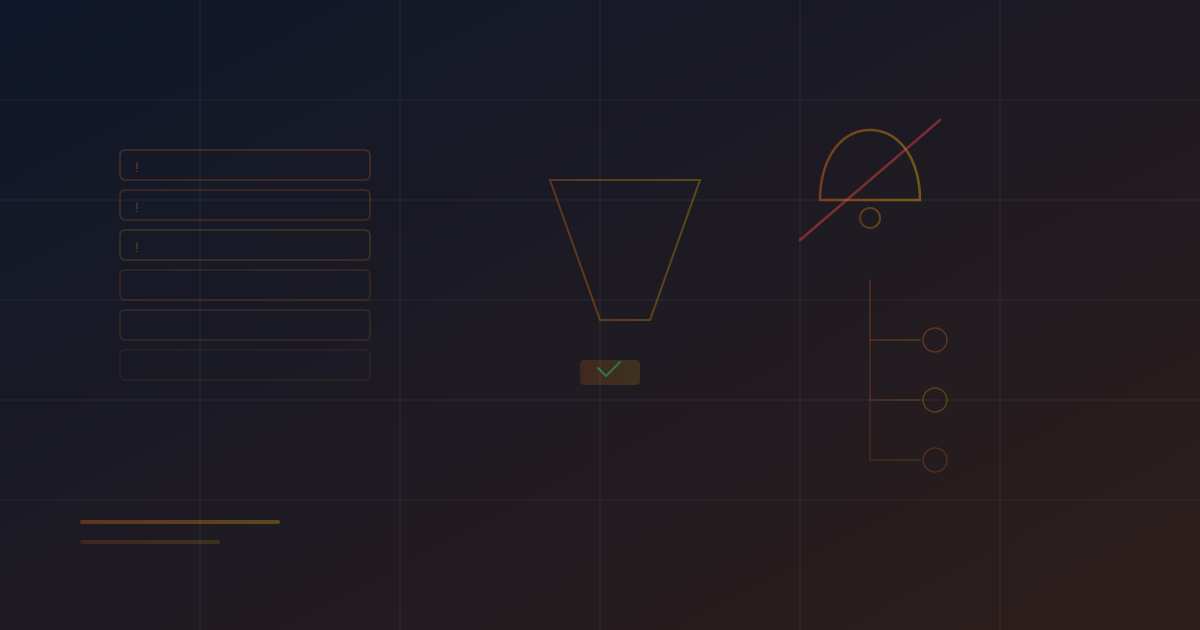
Alert fatigue is the most common monitoring anti-pattern. It occurs when a team receives so many alerts that they start ignoring them - and eventually miss a critical one. The statistics are alarming:
- The average on-call engineer receives over 100 alerts per week.
- Up to 70% of monitoring alerts are false positives or not actionable.
- Teams experiencing alert fatigue take 3x longer to respond to genuine incidents.
- Alert fatigue is cited as a contributing factor in many high-profile outages.
Alert fatigue does not happen overnight. It starts with well-intentioned monitoring: every metric gets a threshold, every warning becomes an alert. Over months, the alert volume grows until the on-call rotation becomes dreaded, alerts are muted or ignored, and the monitoring system's credibility is destroyed.
Principles of Effective Alerting
1. Alert on Symptoms, Not Causes
This single principle eliminates the majority of noisy alerts. Alert on what the user experiences:
Instead of: Alert when CPU usage exceeds 80%.
Do: Alert when API response time exceeds 2 seconds.
CPU at 80% might be perfectly normal during peak traffic and requires no action. But response time exceeding 2 seconds affects users regardless of the cause, and the alert is always actionable.
Cause-based alerts (high CPU, high memory, high disk I/O) should inform investigation, not trigger pages. They belong on dashboards, not in alert rules.
2. Every Alert Must Be Actionable
Before creating an alert, ask: "What action should the on-call engineer take when this fires?" If the answer is "look at the dashboard and probably ignore it," do not create the alert.
Every alert should have:
- A clear description of what is wrong.
- The impact on users or business.
- A runbook link with steps to diagnose and resolve the issue.
- Context about what thresholds were exceeded and current values.
3. Use Multi-Signal Confirmation
A single metric crossing a threshold for a single check should not page anyone. Use confirmation to reduce false positives:
- Duration: Require the condition to persist for a minimum time (e.g., response time above 2s for 5 consecutive minutes, not a single spike).
- Multiple sources: Confirm the issue from multiple monitoring locations before alerting.
- Correlation: Combine multiple metrics - high error rate AND high response time is more significant than either alone.
4. Severity-Based Routing
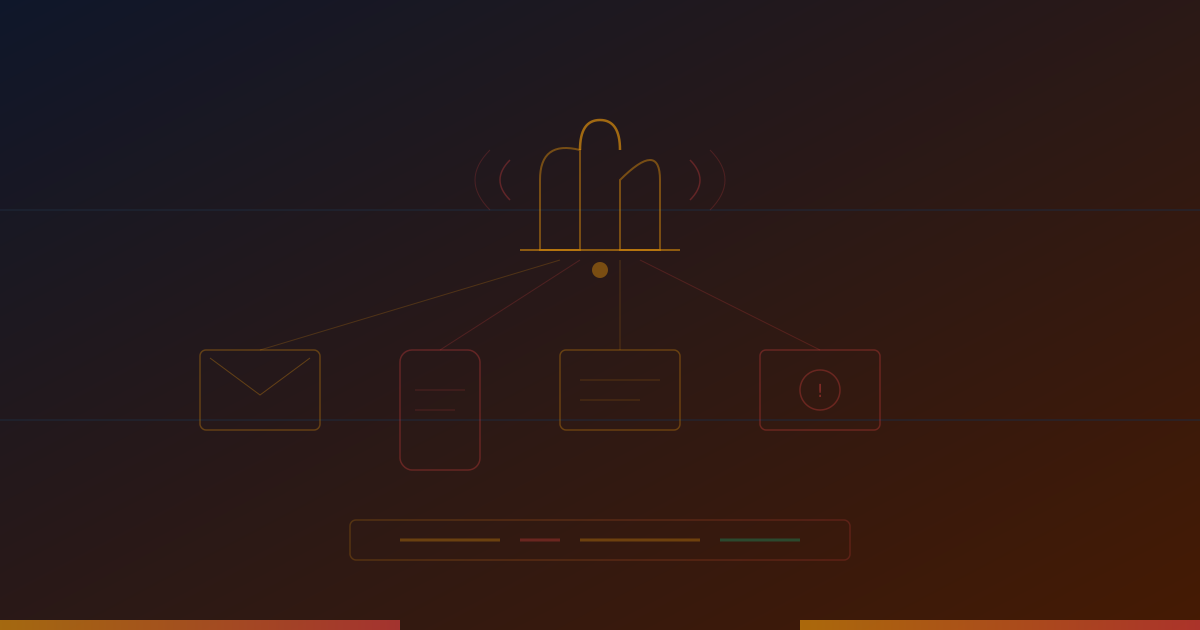
Not every problem deserves the same response. Define clear severity levels and route alerts accordingly:
Critical (Page immediately):
- Complete service outage.
- Data loss or corruption in progress.
- Security breach detected.
- SLA at risk of being violated.
Warning (Notify during business hours):
- Performance degradation but service is functional.
- Disk space approaching limits.
- SSL certificate expiring within 14 days.
- Non-critical dependency failure.
Informational (Log for review):
- Successful deployment completed.
- Auto-scaling event triggered.
- Certificate renewed automatically.
- Non-critical job completed.
5. Include Recovery Notifications
When a problem resolves, send a recovery notification. This is important because:
- It confirms the issue was transient and resolved itself, or that a fix was deployed successfully.
- It prevents the on-call engineer from investigating an issue that already resolved.
- It provides a complete timeline for incident records.
Get Alerts Where It Matters
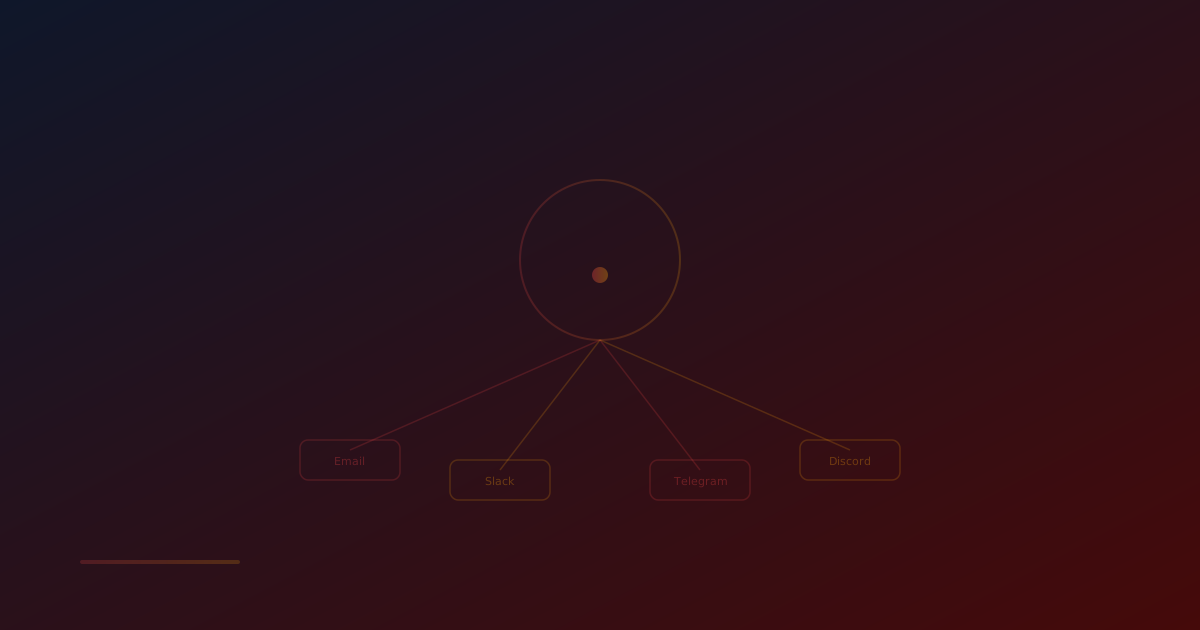
Receive instant downtime notifications via 17+ channels including Email, Slack, Discord, Telegram, MS Teams, PagerDuty & more. Never miss a critical outage again.
Advanced Alerting Strategies
Alert Deduplication
When a fundamental component fails (database, network), every service that depends on it fires alerts. Without deduplication, a single database outage might generate 50 separate alerts.
Implement deduplication by:
- Grouping alerts from the same service and time window.
- Identifying root cause alerts and suppressing downstream symptom alerts.
- Using alert correlation to link related alerts into a single incident.
Escalation Policies
Define escalation paths for when alerts are not acknowledged:
- Alert fires → primary on-call is notified by SMS and push notification.
- After 5 minutes with no acknowledgment → secondary on-call is notified.
- After 15 minutes with no acknowledgment → engineering manager is notified.
- After 30 minutes with no acknowledgment → director of engineering is notified.
Maintenance Windows
Suppress non-critical alerts during planned maintenance. A deployment that causes a brief service restart should not page the on-call engineer if it is expected.
Alert Lifecycle Management
Regularly review and clean up alert rules:
- Delete alerts that have never fired - they might be misconfigured.
- Delete alerts that fire constantly but are always ignored - they are noise.
- Review thresholds quarterly and adjust based on changing baselines.
- Archive alerts for decommissioned services.
Choosing Alert Channels
Different situations call for different notification channels:
Phone call: Best for critical, middle-of-the-night alerts. The most disruptive channel - use it sparingly.
SMS: Good for critical alerts. More reliable than push notifications but less intrusive than phone calls.
Push notification: Good for warnings and less critical alerts. Requires the alerting app to be installed.
Email: Good for informational alerts and daily digests. Not suitable for time-sensitive issues because email is checked less frequently.
Slack/Teams: Good for team-wide awareness. Not reliable for individual paging because messages can be missed in busy channels.
Multi-channel: Critical alerts should use multiple channels simultaneously to ensure delivery.
Measuring Alert Quality
Track metrics about your alerting system to continuously improve it:
- Alert volume: Total alerts per week. Trending up is a warning sign.
- Time to acknowledge: How quickly alerts are acknowledged. Slow acknowledgment suggests alert fatigue.
- False positive rate: Percentage of alerts that did not require action. Target below 10%.
- Time to resolve: Average time from alert to resolution.
- Missed incidents: Real problems that should have triggered an alert but did not. Even one is significant.
Conclusion
Effective alerting is a discipline that requires ongoing attention. The goal is not to generate alerts for every possible metric - it is to ensure that every real incident is detected, the right person is notified, and they have the information needed to resolve it quickly. By alerting on symptoms, ensuring every alert is actionable, using multi-signal confirmation, and routing based on severity, you can maintain an alerting system that your team trusts and responds to promptly.
Monitor your website uptime
Start monitoring in 30 seconds. Get instant alerts when your website goes down. No credit card required.