Understanding SLA Uptime: What Is the Difference Between 99.9% and 99.99%?
Break down SLA uptime commitments and understand the real difference between 99.9% and 99.99% availability. Learn how SLA tiers affect your business operations.
UptimeMonitorX Team
Published December 28, 2025
Understanding SLA Uptime: 99.9% vs 99.99%
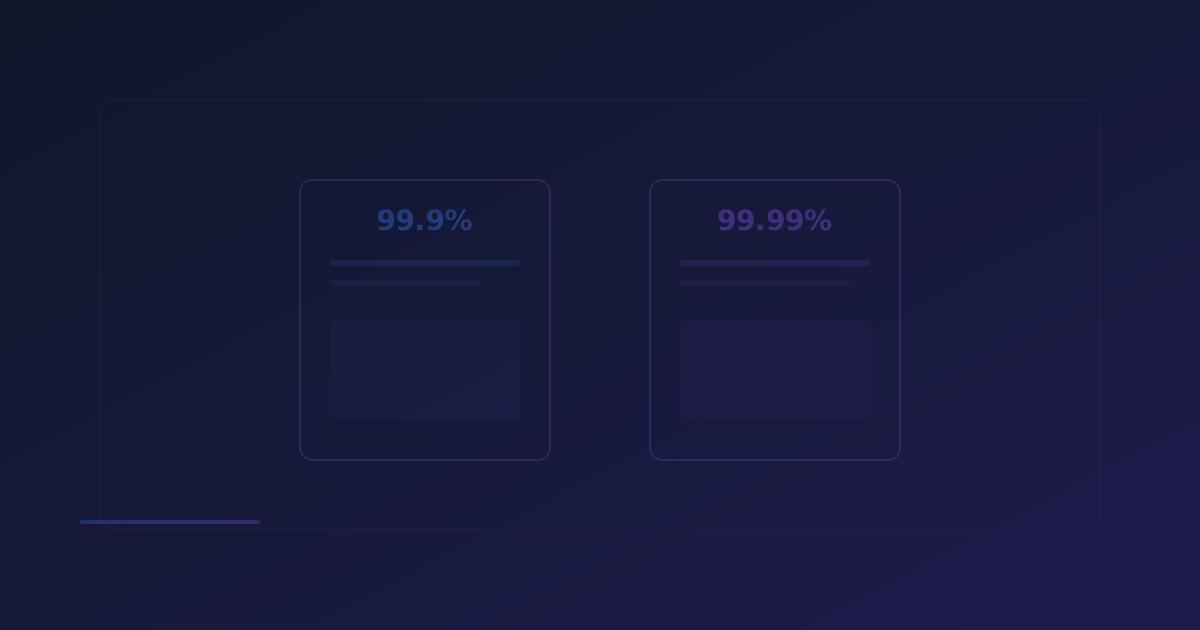
Service Level Agreements (SLAs) are the contracts that define the expected reliability of a service. At the heart of every SLA is the uptime guarantee - a promise of how available a service will be. While the difference between 99.9% and 99.99% may seem negligible on paper, in practice, it represents a tenfold improvement in reliability with significant implications for cost, infrastructure, and operations.
What Is an SLA?
A Service Level Agreement is a formal contract between a service provider and a customer that defines the expected level of service. For hosting providers, cloud platforms, and SaaS companies, the most critical SLA metric is uptime - the guaranteed percentage of time the service will be available.
SLAs typically include:
- Uptime Target: The minimum guaranteed availability percentage
- Measurement Period: How uptime is calculated (monthly, quarterly, annually)
- Exclusions: Events not counted against the uptime target (planned maintenance, force majeure)
- Remedies: Compensation for SLA violations (service credits, refunds)
- Reporting: How uptime is measured and reported
Breaking Down the Nines
The term "nines" refers to the number of nines in the uptime percentage. Each additional nine represents a tenfold reduction in allowed downtime:
99% Uptime (Two Nines)
- Annual Downtime: 3 days, 15 hours, 36 minutes
- Monthly Downtime: 7 hours, 18 minutes
- Weekly Downtime: 1 hour, 41 minutes
At 99% uptime, your service could be down for over seven hours every month. This is barely acceptable for development environments and completely inadequate for production services.
99.9% Uptime (Three Nines)
- Annual Downtime: 8 hours, 46 minutes
- Monthly Downtime: 43 minutes, 50 seconds
- Weekly Downtime: 10 minutes, 5 seconds
This is the standard SLA for most web hosting and cloud services. It allows about 44 minutes of downtime per month. While this seems like a small amount, it is enough for a major outage to affect business operations.
99.95% Uptime
- Annual Downtime: 4 hours, 23 minutes
- Monthly Downtime: 21 minutes, 55 seconds
- Weekly Downtime: 5 minutes, 2 seconds
This intermediate level is offered by premium hosting providers. It halves the allowed downtime compared to 99.9%.
99.99% Uptime (Four Nines)
- Annual Downtime: 52 minutes, 36 seconds
- Monthly Downtime: 4 minutes, 23 seconds
- Weekly Downtime: 1 minute, 1 second
Four nines is the standard for enterprise-grade services. Just over 4 minutes of downtime per month means any outage must be detected and resolved almost instantly.
99.999% Uptime (Five Nines)
- Annual Downtime: 5 minutes, 15 seconds
- Monthly Downtime: 26 seconds
- Weekly Downtime: 6 seconds
Five nines is the gold standard, reserved for mission-critical systems like financial trading, emergency services, and core infrastructure. Achieving and maintaining five nines requires extraordinary investment.
Never Miss a Downtime Again
Monitor your websites, servers, and APIs 24/7. Get real-time alerts via 17+ channels including Email, Slack, Discord, Telegram & more. Start free - no credit card required.
The Real Cost of Each Nine
Each additional nine requires exponentially more investment in infrastructure, engineering, and operations:
Infrastructure Requirements
For 99.9% (Three Nines):
- Single data center with redundant hardware
- Basic load balancing
- Standard backup procedures
- Manual failover processes
- Basic monitoring with email alerts
For 99.99% (Four Nines):
- Multiple availability zones or data centers
- Automated load balancing with health checks
- Real-time database replication
- Automated failover (typically under 60 seconds)
- Advanced monitoring with multi-channel alerts
- Dedicated on-call rotation
For 99.999% (Five Nines):
- Geographic distribution across multiple regions
- Active-active multi-region deployment
- Zero-downtime deployment processes
- Automated self-healing systems
- Microsecond-level monitoring
- 24/7 dedicated operations team
- Chaos engineering practice
Cost Implications
The cost to achieve each additional nine roughly increases by a factor of 10:
- 99.9% → Cost baseline of $X per month
- 99.99% → Approximately $10X per month
- 99.999% → Approximately $100X per month
This exponential cost increase is why businesses must carefully evaluate how much availability they actually need rather than simply demanding the highest possible number.
How SLAs Are Measured and Enforced
Measurement Methods
Most SLAs are measured using one of these approaches:
- Provider-Side Monitoring: The service provider monitors their own infrastructure and reports uptime. This can be biased, as the provider controls the measurement.
- Customer-Side Monitoring: The customer uses independent monitoring tools (like UptimeMonitorX) to track availability. This provides an unbiased measurement but may be affected by the customer's own network issues.
- Third-Party Monitoring: An independent third party monitors the service and provides impartial reports. This is the gold standard for SLA measurement.
What Happens When SLAs Are Violated?
Most SLAs specify remedies in the form of service credits:
- 99.9% violated (uptime between 99.0% and 99.9%): Typically 10-25% service credit
- Below 99.0%: Typically 25-50% service credit
- Below 95.0%: Some providers offer full month credit or allow contract termination
Important note: Service credits usually only apply to the affected month and only if the customer files a claim within a specified period. They do not cover actual business losses caused by the downtime.
Choosing the Right SLA Level
The right SLA level depends on several factors:
Business Criticality
- Low criticality (internal tools, development environments): 99% - 99.5%
- Medium criticality (content websites, blogs, marketing sites): 99.5% - 99.9%
- High criticality (e-commerce, SaaS platforms, customer portals): 99.9% - 99.95%
- Critical (financial services, healthcare, real-time communications): 99.99%+
Cost Sensitivity
Higher SLAs cost more. A small business might find that 99.9% provides adequate reliability at an affordable price, while an enterprise might need 99.99% to meet their own customer commitments.
Customer Expectations
Consider what your customers expect. If you provide a B2B SaaS platform with enterprise customers who have their own SLA commitments downstream, they may require 99.99% or higher from you.
Regulatory Requirements
Some industries have specific availability requirements that dictate the minimum acceptable SLA level.
Monitoring SLA Compliance
Whether you are a service provider tracking your own SLA or a customer verifying your provider's commitments, proper monitoring is essential:
For Service Providers
- Implement comprehensive monitoring across all infrastructure components
- Track uptime metrics automatically with detailed incident logging
- Generate monthly SLA compliance reports
- Set up alerts for approaching SLA thresholds
- Document all incidents with root cause analysis
For Customers
- Use independent monitoring tools like UptimeMonitorX to verify provider claims
- Track uptime independently from provider-reported metrics
- Maintain records of downtime incidents for SLA claims
- Set up alerts for any downtime to capture evidence in real-time
- Review provider's status page history alongside your own monitoring data
Never Miss a Downtime Again
Monitor your websites, servers, and APIs 24/7. Get real-time alerts via 17+ channels including Email, Slack, Discord, Telegram & more. Start free - no credit card required.
SLA Uptime in Cloud Environments
Major cloud providers offer specific SLA commitments:
- Compute instances: Typically 99.99% for multi-AZ deployments
- Object storage: Often 99.999999999% (eleven nines) for durability, 99.99% for availability
- Database services: 99.95% to 99.99% depending on configuration
- CDN services: 99.9% to 99.99%
- DNS services: 100% SLA from some providers
These SLAs are for individual services. Your actual application availability is determined by the combined reliability of all services in your architecture, which is always lower than the reliability of any individual component.
Calculating Composite Availability
If your application depends on three services, each with 99.9% availability, your composite availability is:
Composite = 99.9% × 99.9% × 99.9% = 99.7%
This means your application's total availability is significantly lower than any individual component. This is why redundancy and failover are essential - they convert serial dependencies into parallel redundancies, increasing overall availability.
Tips for Meeting Your SLA Commitments
If you provide services with SLA commitments, these practices help you meet them:
- Design for failure: Assume every component can fail and build redundancy accordingly.
- Automate everything: Manual processes are slow and error-prone. Automate deployment, scaling, failover, and recovery.
- Monitor proactively: Use tools like UptimeMonitorX to detect issues before they become SLA violations.
- Maintain runbooks: Documented procedures for common failure scenarios enable faster resolution.
- Practice incident response: Regular drills ensure your team knows how to respond when issues occur.
- Implement change management: Most outages are caused by changes. Formal change management reduces the risk of change-related failures.
- Invest in observability: Comprehensive logging, metrics, and tracing enable faster root cause identification.
- Plan capacity: Ensure your infrastructure can handle expected growth and traffic spikes.
Conclusion
The difference between 99.9% and 99.99% uptime is not just 0.09% - it is the difference between 44 minutes and 4 minutes of monthly downtime, a tenfold improvement in reliability. Understanding these distinctions helps you make informed decisions about your infrastructure investments, SLA commitments, and monitoring strategy.
Whether you are evaluating a hosting provider's SLA, setting uptime targets for your own services, or monitoring compliance with existing agreements, the key is to match your availability requirements to your business needs and invest accordingly.
Use a monitoring service like UptimeMonitorX to independently track your uptime, verify SLA compliance, and ensure that your services meet the reliability standards your business and customers demand.
Monitor your website uptime
Start monitoring in 30 seconds. Get instant alerts when your website goes down. No credit card required.