Monitoring Dashboards: Design Best Practices for Real-Time Visibility
Learn how to design effective monitoring dashboards that provide instant visibility into system health without information overload. Best practices for layout, metrics, and alerts.
UptimeMonitorX Team
Published February 28, 2026
Monitoring Dashboards: Design Best Practices
A monitoring dashboard is only as useful as its design. A well-designed dashboard provides instant clarity about system health. A poorly designed one drowns you in data, hides critical information behind irrelevant metrics, and fails you during the moments you need it most - during incidents. This guide covers the principles of effective monitoring dashboard design.
The Purpose of a Monitoring Dashboard
Before designing a dashboard, clarify its purpose. Different audiences need different dashboards:
Operational Dashboard
Used by on-call engineers during incidents. Requirements:
- Show current system status at a glance.
- Highlight anomalies and failures immediately.
- Enable quick drill-down to identify root causes.
- Update in real time (every 5-15 seconds).
Strategic Dashboard
Used by engineering leadership for planning. Requirements:
- Show trends over weeks and months.
- Display SLA compliance and uptime percentages.
- Compare current performance against targets.
- Update periodically (hourly or daily).
Public Status Dashboard
Shown to customers and stakeholders. Requirements:
- Show service availability status clearly.
- Display recent incidents with timelines.
- Communicate planned maintenance.
- Be simple and jargon-free.
Core Design Principles
1. Information Hierarchy
Place the most critical information in the most prominent position. For monitoring dashboards, this means:
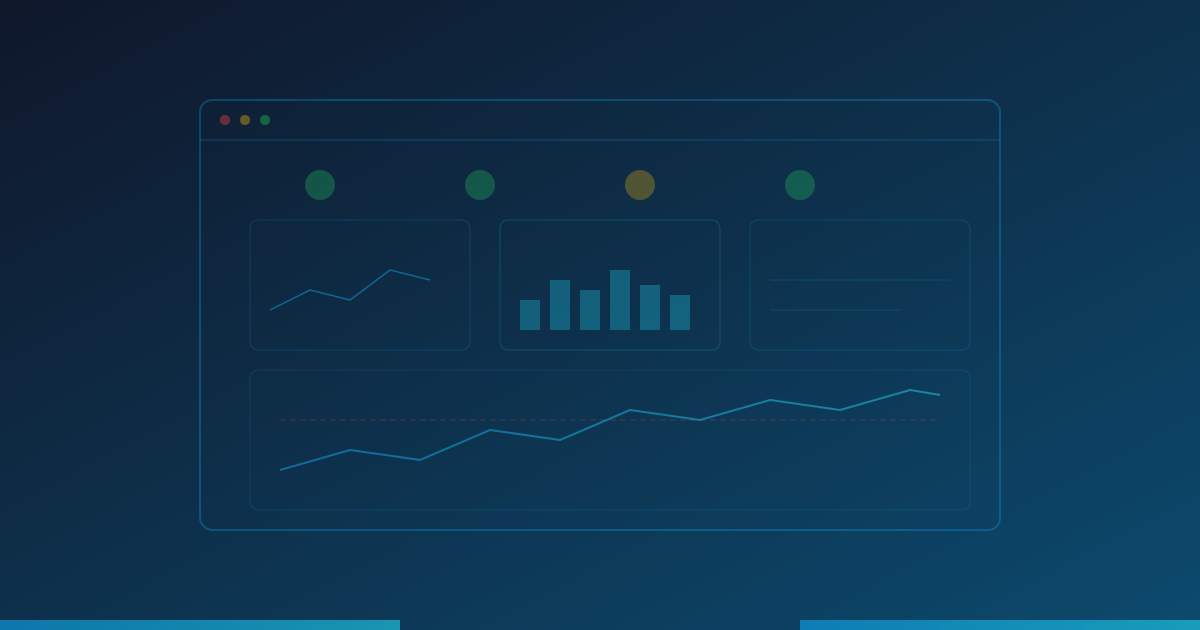
- Top of the page: Overall system health indicator (green/yellow/red).
- Primary panels: Key metrics that trigger actionable responses - error rates, response times, availability.
- Secondary panels: Supporting metrics that provide context - traffic volume, resource utilization.
- Detail panels: Granular data for investigation - per-service breakdowns, regional performance.
Users should be able to assess overall health within 2 seconds of looking at the dashboard.
2. Signal-to-Noise Ratio
Every element on the dashboard should earn its place. Remove anything that does not inform decisions:
- Eliminate vanity metrics that look impressive but are not actionable.
- Remove metrics that never change or always look the same.
- Consolidate related metrics into a single visualization where possible.
- Use color and size intentionally to draw attention to important data.
A dashboard with 50 panels is not more useful than one with 10 - it is harder to read.
3. Context Over Raw Numbers
Raw numbers without context are meaningless. Provide context by:
- Showing current values alongside historical baselines or targets.
- Including time-series graphs that reveal trends, not just current values.
- Using comparison overlays (today vs. yesterday, this week vs. last week).
- Adding threshold lines that show when metrics enter warning or critical ranges.
A response time of 450ms tells you nothing. A response time of 450ms when the baseline is 200ms and the warning threshold is 500ms tells you everything.
4. Consistent Color Language
Use colors consistently across all dashboards:
- Green: Healthy, within normal parameters.
- Yellow/Amber: Warning, approaching limits.
- Red: Critical, requires immediate attention.
- Gray: No data or disabled.
- Blue: Informational, no urgency.
Avoid using red for anything other than critical issues. If everything has red accents for aesthetics, real problems get lost.
Uptime Monitoring Built for DevOps Teams
Integrate uptime monitoring into your DevOps workflow. SLA reports, incident management, and multi-channel alerts for modern engineering teams.
Effective Visualizations
Time-Series Graphs
The workhorse of monitoring dashboards. Best practices:
- Use line charts for continuous metrics (response time, CPU usage).
- Show at least 2-4 hours of history for operational dashboards.
- Add threshold lines (horizontal lines at warning and critical values).
- Use area fills sparingly - they can obscure underlying data.
Status Indicators
For service health and availability:
- Use large, simple colored indicators (green/yellow/red circles or badges).
- Include the service name and current status text.
- Group related services together.
- Show for how long the current status has persisted.
Summary Statistics
For key metrics that need immediate visibility:
- Display current value prominently.
- Show the trend direction (up/down arrow).
- Include the change percentage from the previous period.
- Color-code based on thresholds.
Tables
For detailed breakdowns:
- Sort by the most important column (usually severity or response time).
- Highlight rows that exceed thresholds.
- Include sparkline charts for inline trend visualization.
- Limit to 10-20 rows with the option to expand.
Common Dashboard Mistakes
Too Many Panels
More panels means more cognitive load. If a dashboard has more than 15-20 panels, split it into focused sub-dashboards.
No Clear Focus
A dashboard that monitors everything monitors nothing effectively. Each dashboard should answer a specific question: "Is the API healthy?" or "How is database performance?" - not both.
Static Thresholds on Dynamic Systems
A database handling 100 QPS at 3 AM and 10,000 QPS at 3 PM needs dynamic baselines, not a single static threshold. Use anomaly detection or time-of-day aware thresholds.
Ignoring Mobile Access
Engineers check dashboards on phones during off-hours incidents. Ensure critical dashboards are readable on small screens. Prioritize the most important panels for mobile layouts.
Missing Annotations
Deployment events, configuration changes, and scaling events should be annotated on time-series graphs. Without these markers, it is impossible to correlate performance changes with system changes.
Building a Dashboard Hierarchy
Organize dashboards in layers for progressive drill-down:
- Overview dashboard: Single page showing health of all systems. One panel per system or service.
- Service dashboards: Detailed view of each system - API, database, cache, queue, etc.
- Component dashboards: Deep dive into specific components - individual endpoints, specific database tables, individual containers.
Engineers start at the overview during an incident, identify the affected system, click through to the service dashboard for more detail, and drill down to the component dashboard for root cause analysis.
Conclusion
The best monitoring in the world is useless if the information is not presented effectively. Design your dashboards with clear purpose, strong information hierarchy, and minimal noise. An engineer at 3 AM during an incident should be able to glance at your dashboard and know within seconds what is broken, how badly, and where to start investigating. That clarity does not happen by accident - it requires intentional design.
Monitor your website uptime
Start monitoring in 30 seconds. Get instant alerts when your website goes down. No credit card required.