Incident Management Best Practices for DevOps Teams
Master incident management with proven DevOps practices. Learn how to detect, respond to, resolve, and learn from incidents to improve your service reliability.
UptimeMonitorX Team
Published February 2, 2026
Incident Management Best Practices for DevOps Teams
Incidents are inevitable. No matter how well you design, build, and operate your systems, things will eventually go wrong. What distinguishes high-performing teams from struggling ones is not the absence of incidents, but how effectively they detect, respond to, resolve, and learn from them. Effective incident management turns unavoidable failures into opportunities for improvement.
What Is Incident Management?
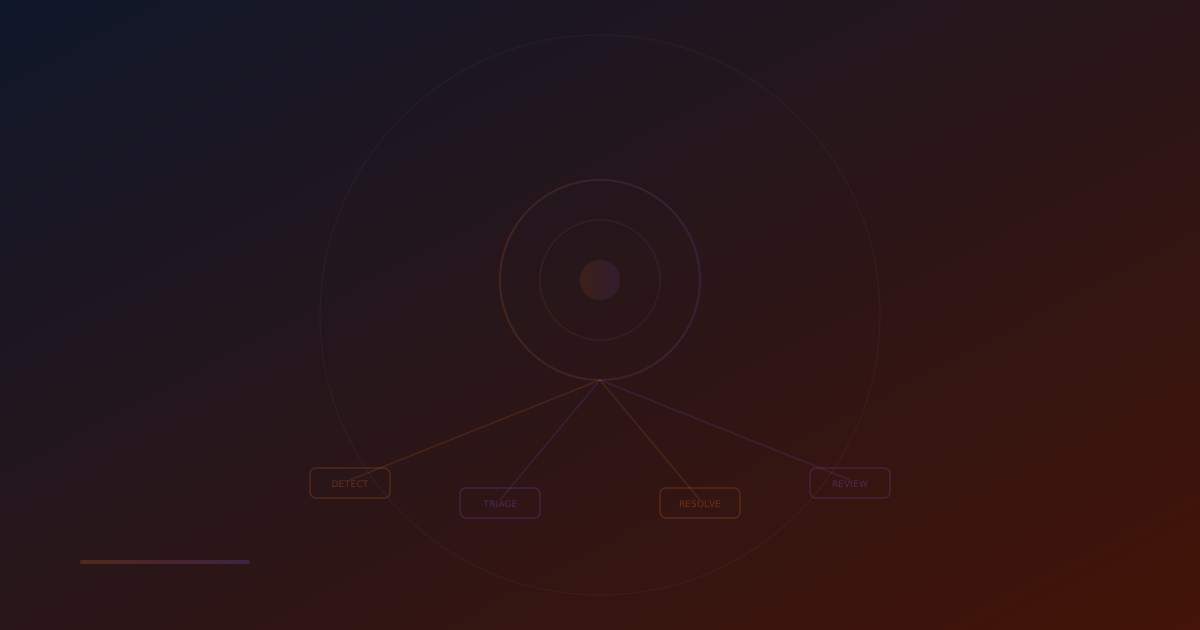
Incident management is the structured process of detecting, responding to, resolving, and learning from unplanned disruptions to your services. It encompasses:
- Detection: Identifying that an incident has occurred (through monitoring, customer reports, or automated alerts)
- Triage: Assessing the severity and impact of the incident
- Response: Mobilizing the appropriate people and resources
- Resolution: Diagnosing and fixing the root cause
- Communication: Keeping stakeholders informed throughout the process
- Post-Mortem: Analyzing the incident to prevent recurrence
The Incident Lifecycle
Phase 1: Detection
The speed of detection directly affects the duration and cost of an incident. There are three ways incidents are detected:
Automated Monitoring (Best)
Tools like UptimeMonitorX detect issues automatically through continuous checks. This is the fastest and most reliable detection method, often catching issues within 1-2 minutes.
Internal Discovery
A team member notices an issue while working. This is less reliable and often delayed - the team member may not realize the significance of what they are seeing.
Customer Reports (Worst)
Customers contact support to report issues. By the time this happens, the incident has been affecting users for some time, potentially causing significant damage.
Best Practice: Invest in comprehensive automated monitoring to minimize the time between incident occurrence and detection. Target a mean time to detect (MTTD) of under 5 minutes for critical services.
Phase 2: Triage
Once detected, the incident must be quickly assessed:
Severity Levels:
SEV-1 (Critical): Complete service outage or data loss affecting all users
- Response: Immediate, all-hands
- Communication: Every 15 minutes
- Example: Website completely down, database corruption
SEV-2 (High): Major functionality impaired, significant user impact
- Response: Within 15 minutes, dedicated team
- Communication: Every 30 minutes
- Example: Payment processing failure, login system down
SEV-3 (Medium): Partial impact, workaround available
- Response: Within 1 hour, assigned engineer
- Communication: Every 2 hours
- Example: Slow response times, minor feature broken
SEV-4 (Low): Minimal impact, cosmetic or minor issue
- Response: Next business day
- Communication: As resolved
- Example: Minor UI glitch, non-critical background job failure
Best Practice: Define clear severity criteria in advance so triage can be done quickly and consistently. Do not waste time debating severity during an active incident.
Phase 3: Response
Effective incident response requires clear roles and coordinated actions:
Incident Commander (IC)
- Leads the response effort
- Makes decisions about response strategy
- Coordinates communication between teams
- Owns the incident until resolution or handoff
Technical Lead
- Leads the technical investigation
- Directs debugging and diagnostic efforts
- Proposes and implements fixes
- Provides technical updates to the IC
Communications Lead
- Updates the status page
- Communicates with customers
- Coordinates internal notifications
- Manages stakeholder expectations
Scribe
- Documents the timeline of events
- Records decisions and actions taken
- Captures key findings for the post-mortem
- Tracks action items
Best Practice: Pre-assign these roles in your on-call rotation. When an incident occurs, everyone knows their role immediately, eliminating confusion during the critical early minutes.
Phase 4: Diagnosis and Resolution
Systematic diagnosis speeds resolution:
- Gather Information: Review monitoring data, logs, recent changes, and error messages.
- Form Hypotheses: Based on available evidence, list the most likely causes.
- Test Hypotheses: Methodically test each hypothesis, starting with the most likely.
- Implement Fix: Once the cause is identified, implement the fix or workaround.
- Verify Resolution: Confirm that the fix resolves the issue and does not introduce new problems.
- Monitor: Watch the system closely for recurrence or side effects.
Best Practice: Resist the urge to make changes without hypothesis testing. Random changes ("let's just restart everything") can make the situation worse and obscure the root cause.
Phase 5: Communication
Effective communication during incidents is crucial:
Status Page Updates
Update your public status page (powered by UptimeMonitorX) at every significant milestone:
- When the incident is detected
- When the cause is identified
- When a fix is being implemented
- When the incident is resolved
Internal Communication
Keep your organization informed through dedicated incident channels (Slack/Discord):
- Current status and impact
- What is being done
- Expected resolution time (if known)
- What other teams need to know
Customer Communication
Be transparent with customers:
- Acknowledge the issue
- Explain the impact
- Provide estimated resolution time
- Follow up when resolved
Best Practice: Use templates for incident communication. During high-stress incidents, having a template to fill in is much easier than composing messages from scratch.
Phase 6: Post-Mortem
The post-mortem is where lasting improvement happens. Every significant incident should have a post-mortem that includes:
Timeline: A detailed chronological account of the incident from detection to resolution.
Root Cause Analysis: What was the underlying cause? Use the "5 Whys" technique to dig deeper than surface-level causes.
Impact Assessment: How many users were affected? For how long? What was the business impact?
What Went Well: What parts of the response worked effectively? Celebrate these.
What Went Poorly: What parts of the response could be improved? Be specific and constructive.
Action Items: Concrete, assignable tasks to prevent recurrence. Each action item should have an owner and a deadline.
Best Practice: Post-mortems must be blameless. Focus on systemic issues and process improvements, not on blaming individuals. People make mistakes - the system should prevent those mistakes from causing incidents.
Uptime Monitoring Built for DevOps Teams
Integrate uptime monitoring into your DevOps workflow. SLA reports, incident management, and multi-channel alerts for modern engineering teams.
Building an Incident Management Culture
On-Call Best Practices
Rotate Fairly
On-call duty should be distributed evenly across the team. No one should be on-call for more than a week at a time, and rotations should account for holidays and personal events.
Compensate Appropriately
On-call engineers sacrifice personal time and carry the burden of potential midnight pages. Compensate them with additional pay, time off in lieu, or other benefits.
Provide Runbooks
On-call engineers should have access to runbooks - step-by-step guides for common incident scenarios. Good runbooks enable less experienced team members to handle incidents effectively.
Set Escalation Paths
If the on-call engineer cannot resolve an issue, they should know exactly who to escalate to and how. Clear escalation paths prevent prolonged outages.
Reducing Incident Frequency
Invest in Monitoring
Comprehensive monitoring with tools like UptimeMonitorX catches small issues before they become major incidents. Monitoring response times, error rates, and resource utilization can reveal problems days before they cause outages.
Implement Change Management
Most incidents are caused by changes - code deployments, configuration changes, infrastructure modifications. Implement change management practices:
- Peer review for all changes
- Staged rollouts (canary deployments)
- Automated rollback capabilities
- Change windows for high-risk modifications
Practice Chaos Engineering
Intentionally introduce failures in controlled environments to identify weaknesses before they cause real incidents. Start small (kill a single process) and gradually increase scope.
Conduct Game Days
Regular incident response drills keep your team sharp. Simulate realistic scenarios and practice your response procedures.
Metrics That Matter
Track these metrics to measure and improve your incident management:
- MTTD (Mean Time to Detect): How quickly do you discover incidents? Target: < 5 minutes for critical services.
- MTTA (Mean Time to Acknowledge): How quickly does someone acknowledge the alert? Target: < 15 minutes.
- MTTR (Mean Time to Resolve): How long does it take to fully resolve incidents? Track this over time to measure improvement.
- MTBF (Mean Time Between Failures): How often do incidents occur? Increasing MTBF indicates improving reliability.
- Incident Count by Severity: Trend of incidents over time. Look for decreasing counts, especially for high-severity incidents.
- Post-Mortem Action Item Completion Rate: Are you actually implementing improvements? Track and enforce completion.
How UptimeMonitorX Supports Incident Management
UptimeMonitorX provides the foundation for effective incident management:
- Fast Detection: 1-minute check intervals for rapid incident detection
- Multi-Channel Alerting: Email, Slack, Telegram, Discord, WhatsApp for immediate notification
- Incident Logs: Automated record of every incident with timestamps and duration
- Response Time Data: Historical performance data for root cause analysis
- Status Pages: Built-in public status pages for incident communication
- SLA Reports: Track uptime compliance for post-mortem impact assessment
Conclusion
Incident management is not about preventing all incidents - that is impossible. It is about minimizing the impact of incidents through fast detection, effective response, efficient resolution, and continuous learning.
Build a culture that embraces transparency, learning, and improvement. Invest in monitoring, establish clear processes, practice regularly, and conduct blameless post-mortems. Over time, these practices will reduce incident frequency, minimize incident duration, and transform your team's ability to deliver reliable services.
Start with the foundation - comprehensive monitoring through UptimeMonitorX - and build your incident management practices from there. The journey from reactive firefighting to proactive reliability engineering begins with a single step: knowing when something goes wrong, the moment it goes wrong.
Monitor your website uptime
Start monitoring in 30 seconds. Get instant alerts when your website goes down. No credit card required.